
Most catering programs do not fail loudly. They plateau. The same sites take roughly the same number of orders each month, the intake team is always busy, and the honest answer to “can we take on more” is a new hire, not a new process. When the order system is a PDF menu, a phone line, and an inbox, the ceiling is the number of orders one coordinator can key in a working day.
Here are five operational tells that manual intake has become the limit on your catering volume and repeat business: what each looks like on the floor, what it costs, and what the fix looks like in practice. The figures come from one enterprise workplace catering deployment at a downtown corporate cafe and are labelled as a single-site result throughout.
1. The inbox is the order system
Orders arrive by email, by phone, and by someone stopping at the counter. A coordinator reads each one, checks the calendar, confirms the headcount, and keys it into a spreadsheet. Cutoffs and lead times exist on paper, but they are enforced by memory and by whoever is on shift.
What it costs. Every order waits for a person to notice it. Orders get missed on busy days, two events land in the same delivery slot, and a change sent late in the afternoon reaches the kitchen the next morning.
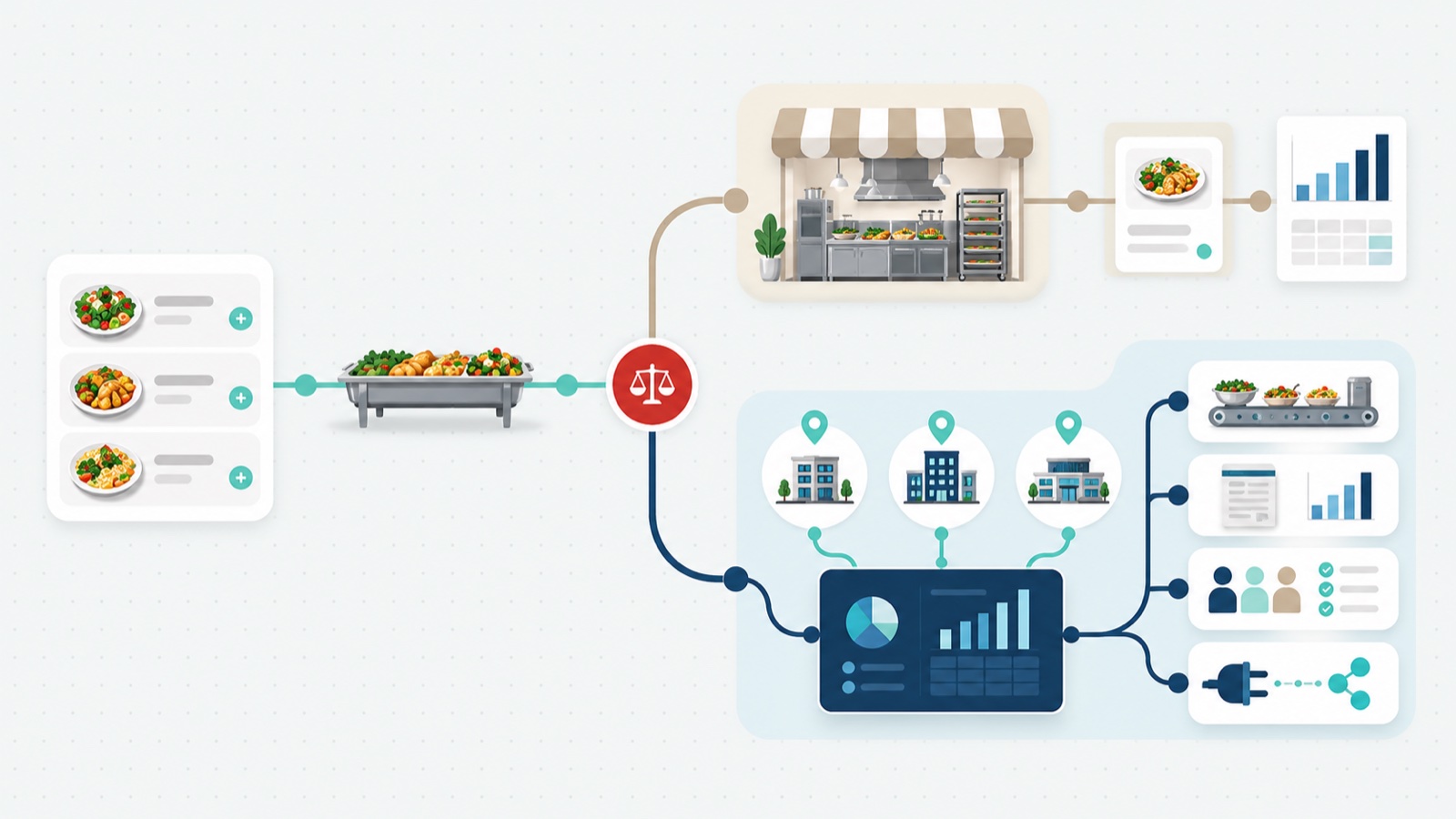
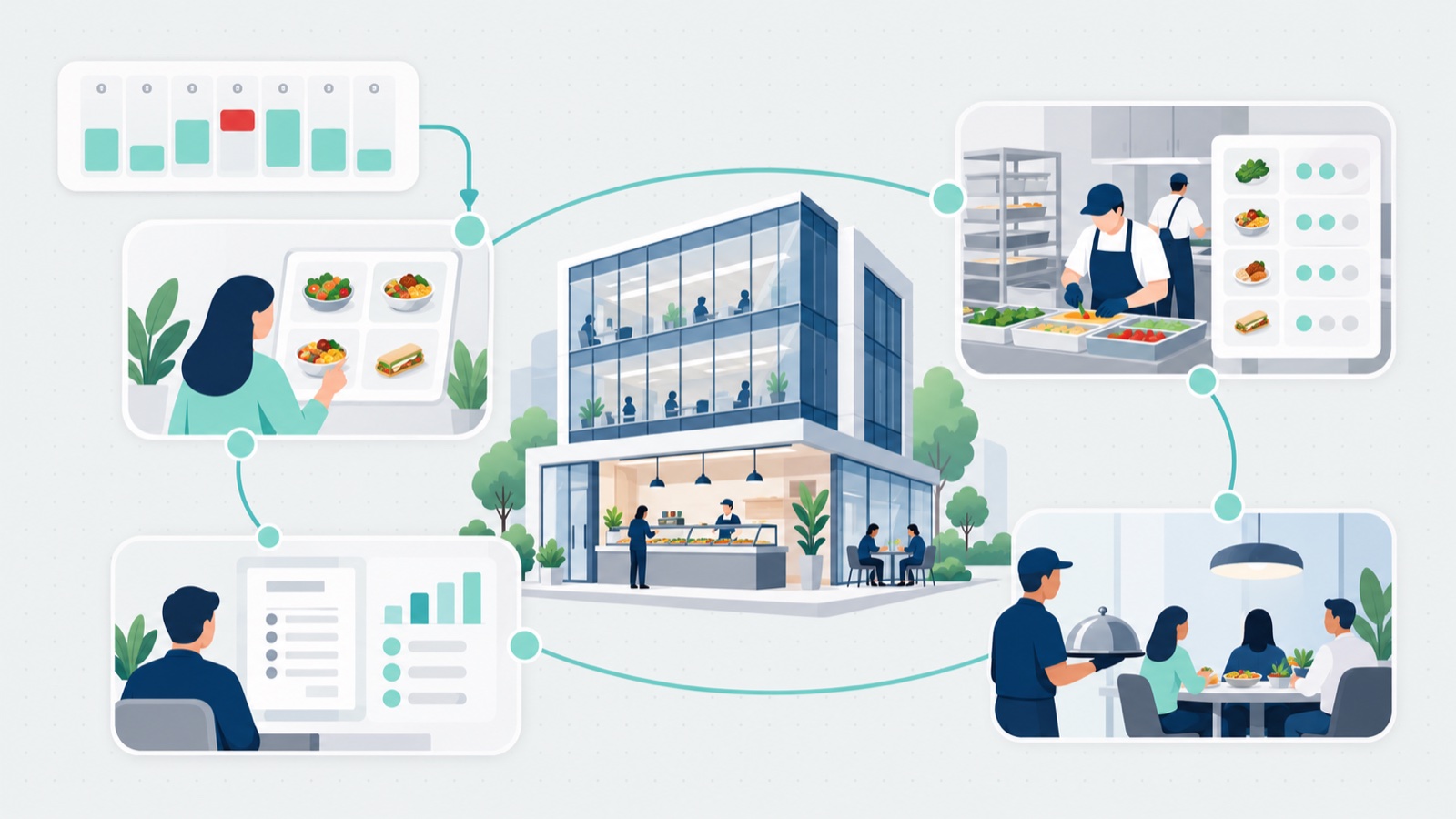
What the fix looks like. One ordering channel that the buyer uses directly, with the rules built in: menus by site, lead times, cutoffs, minimums, delivery windows. The order is complete and valid when it is placed, so nobody has to triage it. The coordinator’s job moves from keying orders to handling exceptions.
2. Every quote is a conversation
The menu is a static PDF. It lists items and perhaps a per-person price, but the total depends on headcount, service style, and delivery. So the buyer calls or emails, the coordinator works out a price, and a quote goes back. If the headcount changes, the loop runs again.
What it costs. Buyers wait for a number they need before they can book a room. Across sites, the same client sees different prices for the same menu, and nobody can state what the program’s pricing actually is because it lives in people’s heads.
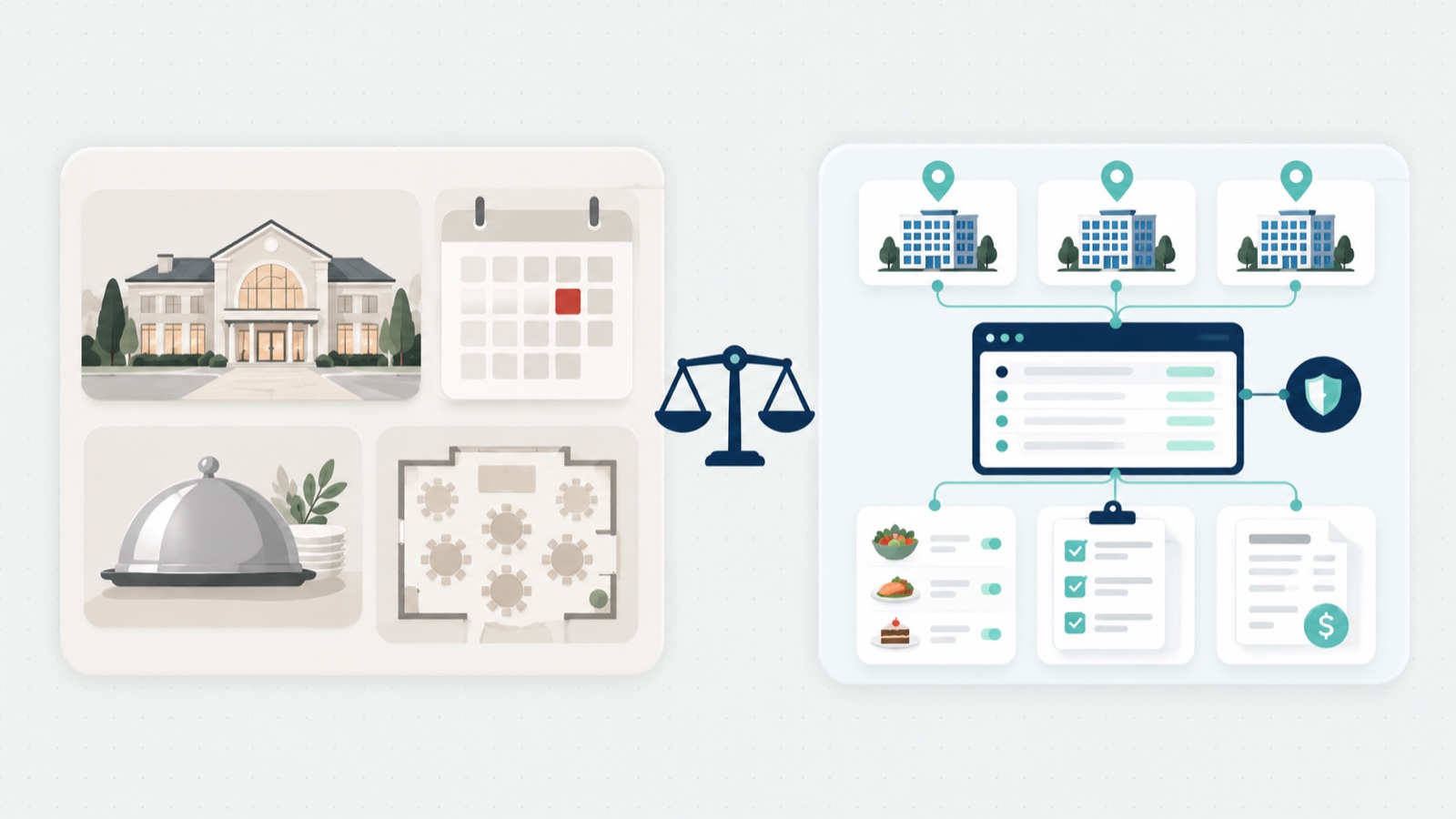
What the fix looks like. Instant pricing. The buyer builds the order against a live menu and sees the total as they go, with your program’s rules and approvals applied automatically. Rally Catering works this way, with multi-location control so the rules hold at every site, not only at the one that set them up.
3. The kitchen finds out on the day
Production planning is a compilation exercise. Someone reads the week’s emails and builds the production sheet by hand. Packing lists are typed up separately. When a buyer calls with a change, it lands in one document and not the other.
What it costs. Over-production on the items nobody changed and shortages on the ones they did. A missing item means a second delivery run. The chef plans around the intake team’s schedule instead of the other way round.
What the fix looks like. Production sheets and packing lists generated from the orders themselves. When an order changes, the sheet changes with it. The kitchen sees confirmed counts by day and by site without asking anyone, and the driver packs against a list that matches the order.
4. Card numbers are read out over the phone
This is the tell that finance and IT notice first. The buyer reads a card number aloud, the coordinator types it into a terminal, and a receipt is assembled by hand afterwards. A district manager at an enterprise foodservice operator described the before state this way: “People would open up a one-page PDF, no photos, no nothing. I have to literally manually take their credit card info… manually input their credit card number, expiry and CVV.”
What it costs. Card data handled by hand is a PCI exposure. It also shuts out the corporate buyers who cannot put a department’s catering on a personal card and need to pay on invoice or a house account, with a PO number and a cost centre attached. Those buyers order less, or order elsewhere, and month-end becomes a re-keying exercise for finance.
What the fix looks like. The buyer enters their own payment at the point of order: card, invoice, or house account on net terms, with PO support and cost-centre posting. Card details go into a platform certified to PCI DSS Level 1, with data encrypted in transit, instead of being read out to your staff. Receivables then post into the ERP finance already runs, JD Edwards for example, so the invoice exists once and reconciles without being typed twice; the whole order to cash path is in our catering accounting deep dive. How those connections get built into the systems you already run is covered on the approach page.
5. Growth means adding another coordinator
The last sign is arithmetic. If every order takes the same few minutes of a person’s time to take in, price, confirm, and receipt, then doubling orders means doubling that time. Repeat buyers are treated like new buyers: no saved account, no order history, no way to reorder last month’s lunch without the same phone call. The relationship belongs to whoever answers the phone.
What it costs. A program that cannot grow without hiring, and repeat business that depends on individuals rather than on the program. Regional directors cannot see volume across sites because the data sits in inboxes at each one.
What the fix looks like. The buyer has an account, an order history, and a reorder button, so the buyer does the intake. The account, the history, and the data stay with you, on a fixed platform fee rather than a cut of every order, which is what makes repeat ordering worth building. There is more on how App8 works in about us.
At one downtown corporate cafe run by one of North America’s largest foodservice operators, moving from PDF-and-phone to Rally Catering eliminated 67 hours of manual intake, about five minutes an order across roughly 800 orders. Year over year (January 2025 to January 2026), catering order volume at that cafe rose 513%, revenue processed rose 526%, 70% of orders were repeat orders, and multi-order buyers grew 46%. Those are one site’s results, not a fleet average, but they show what the ceiling was costing. The full account is in the enterprise workplace catering case study.
Manual intake versus buyer self-service, step by step:
| Intake step | Manual intake | Buyer self-service |
|---|---|---|
| Menu | Static PDF, no photos | Live menu with instant pricing |
| Order capture | Phone and email, keyed by a coordinator | Buyer self-orders against the program’s rules |
| Payment | Card numbers read out and keyed by hand | Card, invoice, or house account, entered by the buyer |
| Receipts and invoices | Built by hand | Generated from the order |
| Repeat orders | Same effort as a first order | 70% of orders at this cafe are repeat orders |
Where to start
You do not need all five signs to have a ceiling problem. The practical first step is to find out where your program stands. The catering scorecard places your program on a five-stage maturity model across four areas: order capture, order to cash and integration, rules and multi-site control, and governance and procurement.
It emails you a one-page recap of your stage and scores that you can hand to finance and IT. Take it for the site where the inbox is busiest, then for one that runs differently. The answers that differ between the two are the intake steps to look at first.
And for the full requirements picture beyond intake, from production through billing and rules, see what enterprise actually needs from a catering management system. Once the ceiling is off, the growth playbook is in how to increase catering sales.