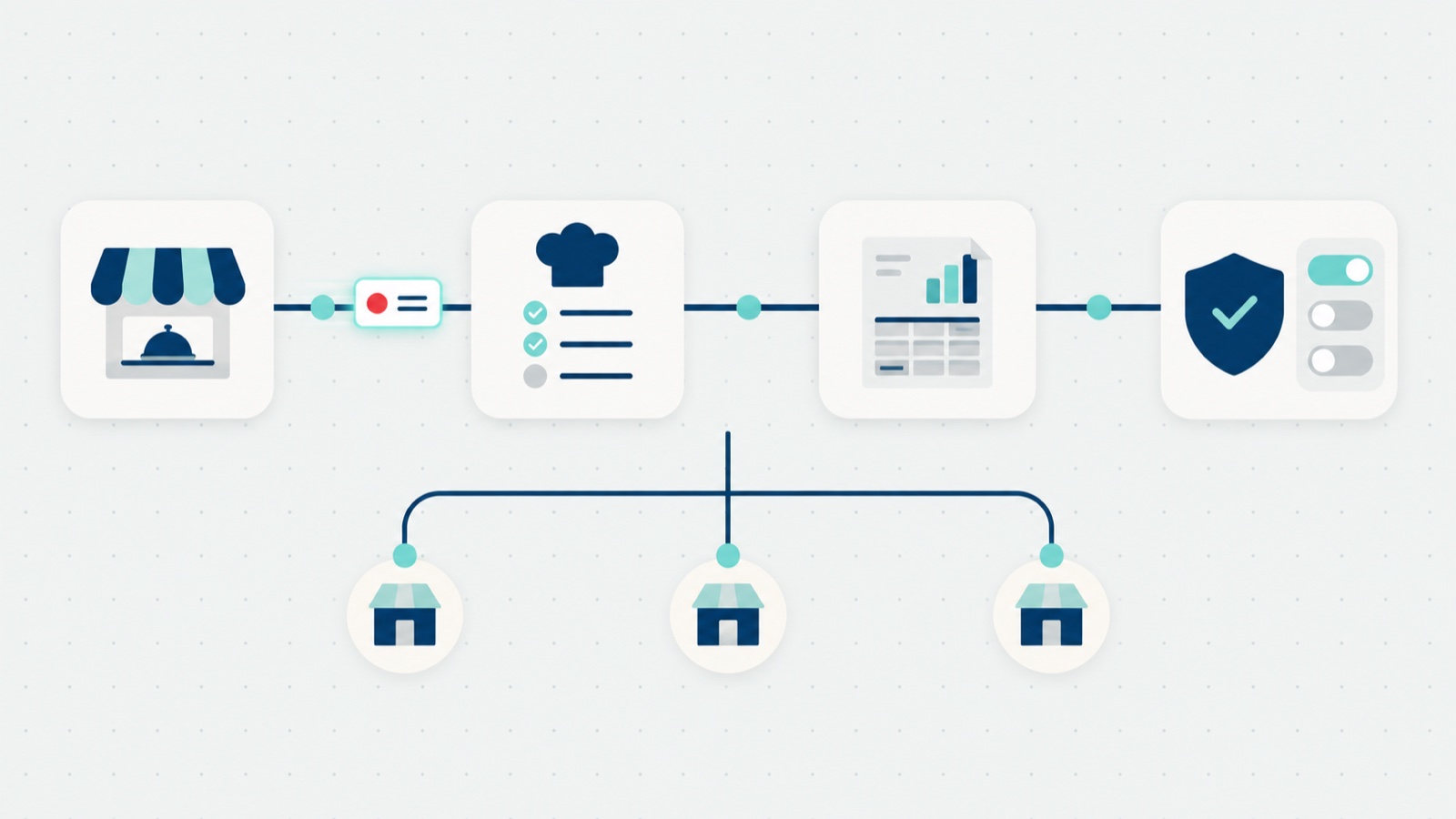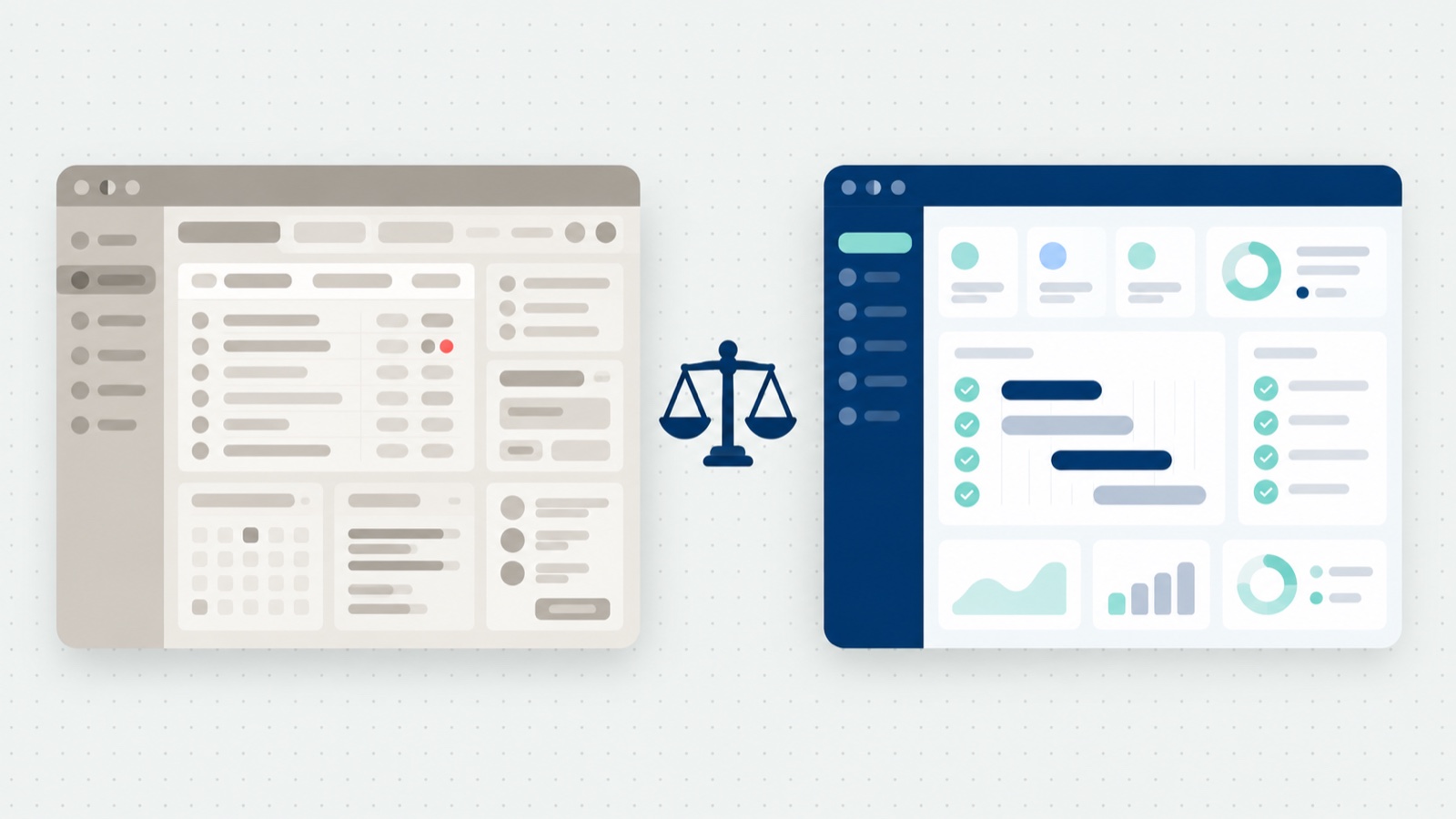

Catering accounting software exists because catering breaks the assumptions every ordering tool makes about money. An online order is paid by card and fulfilled within the hour. A catering order is placed days ahead, changes before delivery, is billed to a company on terms as often as it is paid by card, and is not earned revenue until it is fulfilled.
Run that on a tool built for same-day orders and the gap gets closed by hand, by whoever is nearest the order. This post is about that gap: who fills it today, what it costs, and what the software has to do so nobody fills it at all. It is one job of the four in our guide to what a catering management system actually needs to do, and the one your finance team will grade you on. The Catering Operations Playbook covers all four; it is free, with no sign-up.
TL;DR
- Reconciliation lands on whoever is nearest the order, and it breaks quietly as volume grows: 67 hours of manual intake at one site, and about $9.40 of cost for every invoice the client’s team processes.
- Late changes, deposits, card payouts, and unread aging are where manual catering accounting actually fails.
- I have lived this one: my own company once nearly lost a client it could not afford to lose, over an invoice.
- Order to invoice to ledger, step by step: what the path looks like when nothing is retyped.
- The vendor checklist: nine things to demand, and the one question about failed postings almost nobody asks.
The manual reconciliation problem
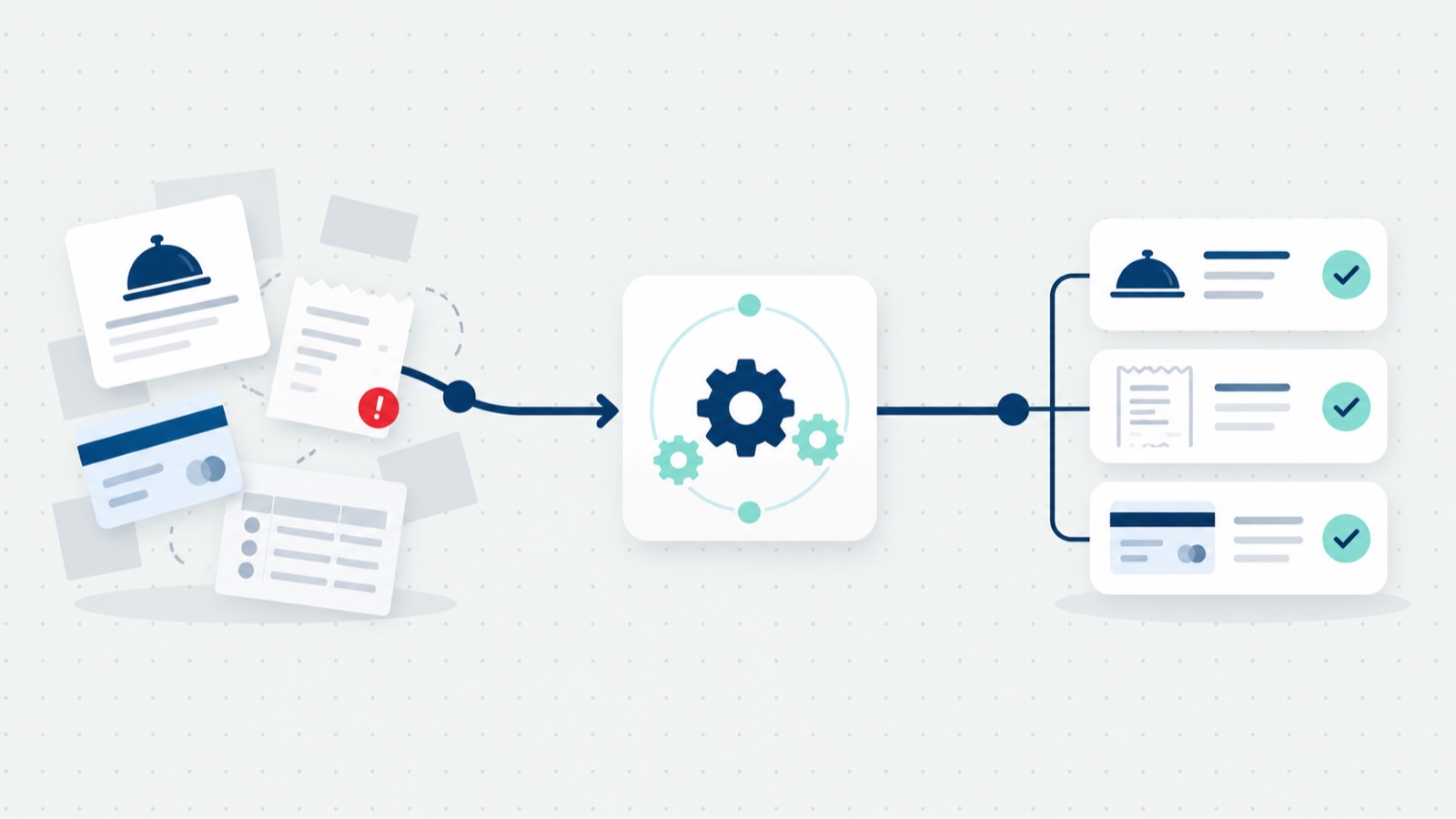
Reconciliation lands on whoever is nearest the order. At the site, the person who took the order builds the invoice from it by hand. In finance, an accountant matches payments to invoices and re-keys catering revenue into the finance system at month end. And on the client’s side, an accounts payable team processes every invoice the operator sends.
In our anonymized enterprise workplace case study, the before state was exactly that: staff took card numbers over the phone, keyed each order into the point of sale, built itemized receipts, and sent confirmations one at a time. The district manager’s own words: “I have to literally manually take their credit card info.”
What does it cost? Three numbers, each with its source, and one observation:
- Intake at one site. Taking catering orders by hand ran to about 67 hours of manual work over a year, at about five minutes an order across roughly 800 orders. Results reported by the operator for one enterprise workplace site, anonymized and single-site, over the 12 months to January 2026 against the year before. Repeat orders are orders placed by returning buyers. The manual work is an estimate of about five minutes an order across the orders in the period.
- The client’s cost per invoice. The average accounts payable team spends about $9.40 to process a single invoice; the top fifth of teams spend $2.78 against $12.88 for everyone else (Ardent Partners, State of ePayables 2024). That is a cross-industry figure, and it is your client’s cost, which makes it your program’s friction.
- Your own number. The Catering Operations Playbook has the simplest version: for two weeks, count the invoices typed in from orders and the ones that needed a correction. That count is your reconciliation problem, measured.
- My observation. From my conversations with catering operators, the finance side can run to half a day a week of intermediate to senior finance time, plus 20 to 30 minutes of reconciliation a day, depending on how disconnected the systems are. That is what I see, not a measured figure.
What breaks first
The hours are the visible cost. The failures are quieter:
- Late changes. Catering orders change after they are accepted, often right up to delivery. An invoice built when the order came in no longer matches what was delivered, and money has to go back to the client or be collected again.
- Deposits. Revenue on a catering order is generally recognized when the order is fulfilled, so a deposit usually sits as a prepayment until then, and someone has to match it to the final invoice.
- Card payouts. When the processor deducts its fees before paying out, the bank deposit does not match the invoice totals, and someone matches the difference by hand.
- Aging nobody reads. Receivables fall behind, and nobody sees how far until somebody counts. Six invoices at 40 days from an account that books every week can matter more than one at 90 days from a client who ordered once.
- Chasing runs on memory. Nobody decides to stop chasing an invoice; it just stops getting chased. Collection by phone call also drags money into the client relationship, which is exactly where you do not want it.
The invoice that almost lost the client
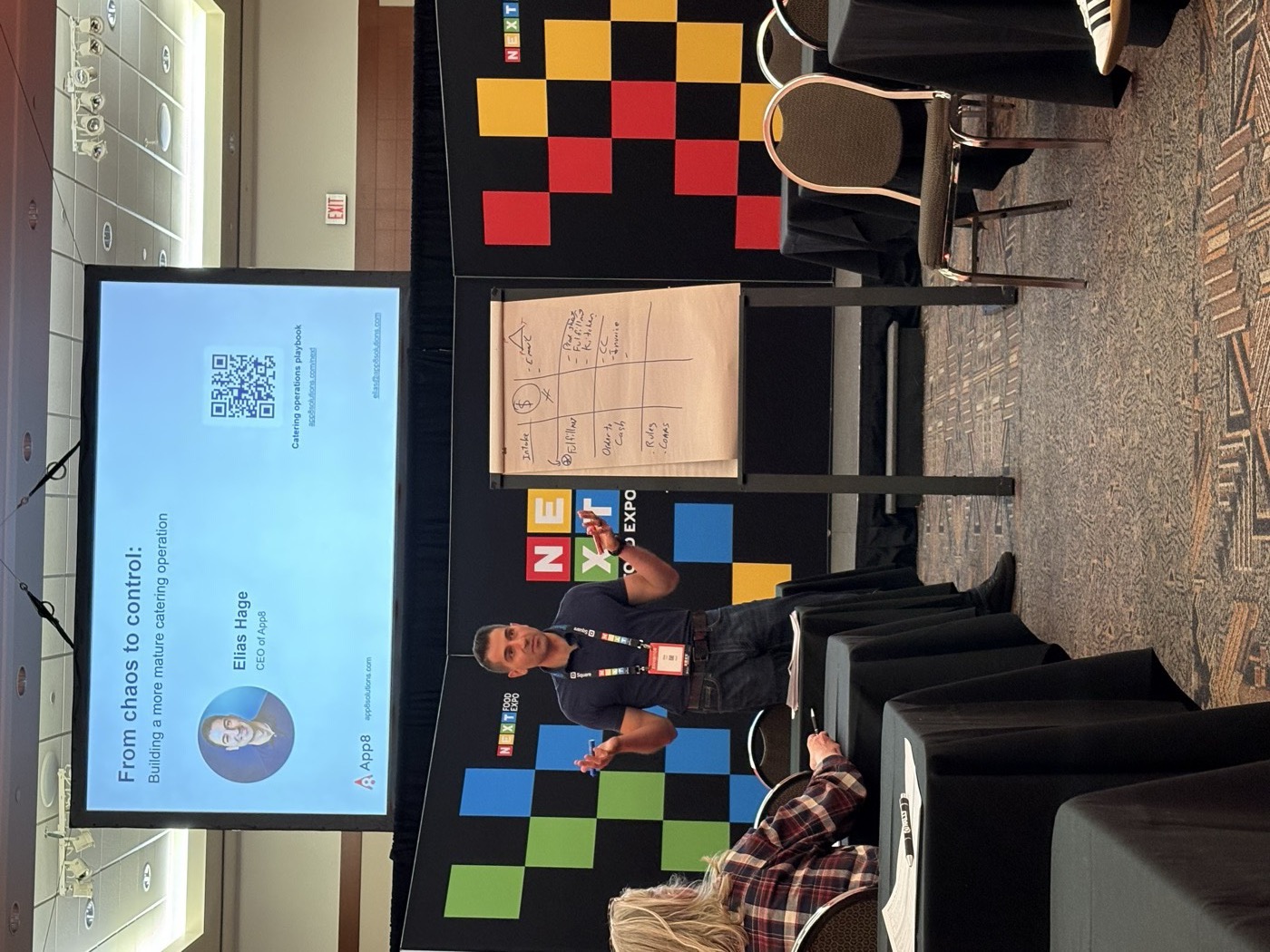
I told this story on the main stage at NEXT Food Expo in Calgary this September. My own company once invoiced about 70 clients the same way it had invoiced 20: a spreadsheet and a template, numbers copied in, sent. Somewhere between 20 and 70 it stopped working, and nothing told us the day it did. The invoices started going out wrong. We went through it line by line, month by month: system, sheet, bank statement. Every error had an explanation, and none of that fixed it. A client we could not afford to lose nearly walked, over an invoice.
That is the shape of the problem. Manual invoicing does not fail loudly at some obvious volume. It degrades, and the first person to tell you is a client.
Order to invoice to ledger
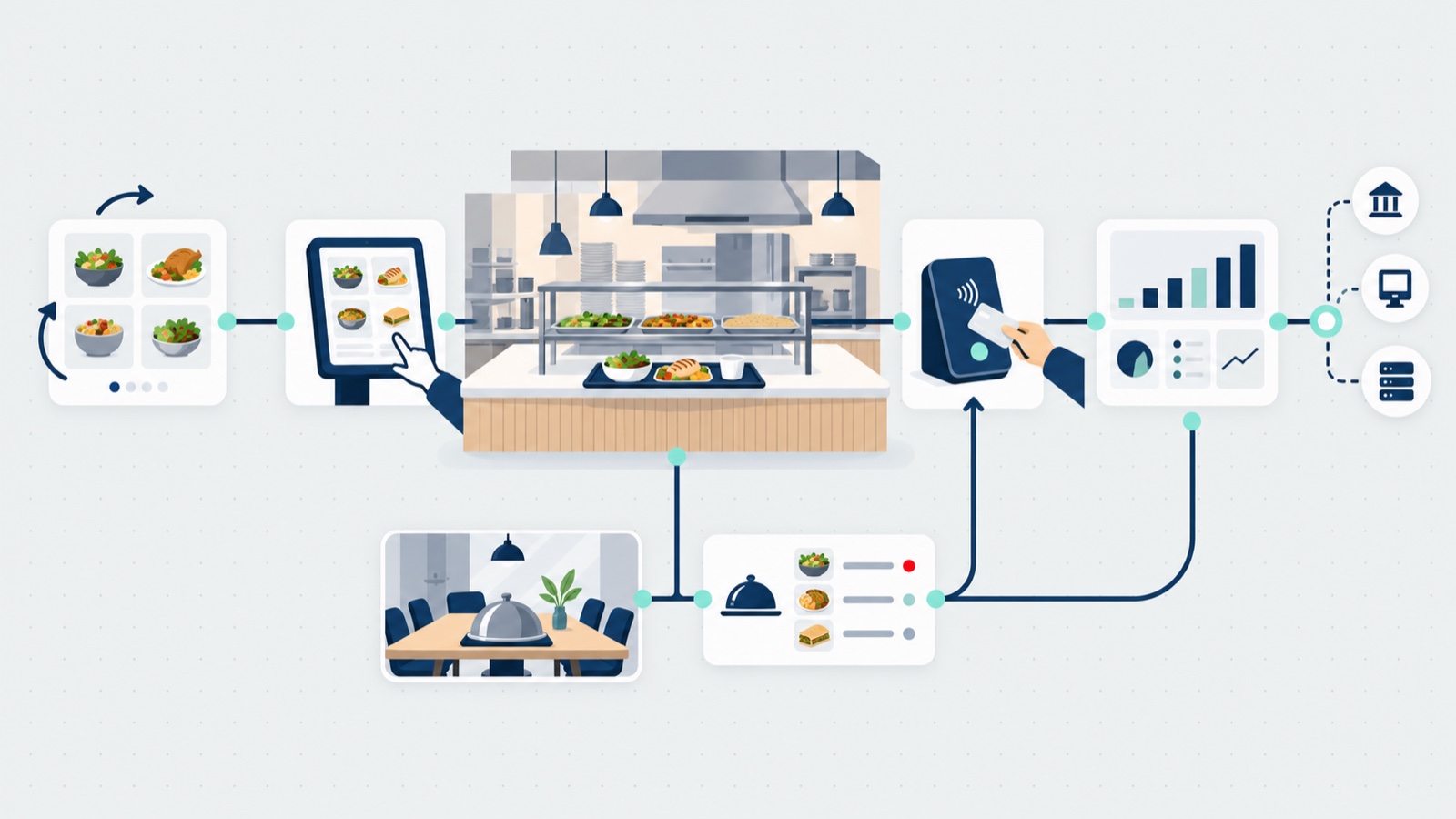
Here is the path for a catering order billed to a company account, the way catering accounting software should run it:
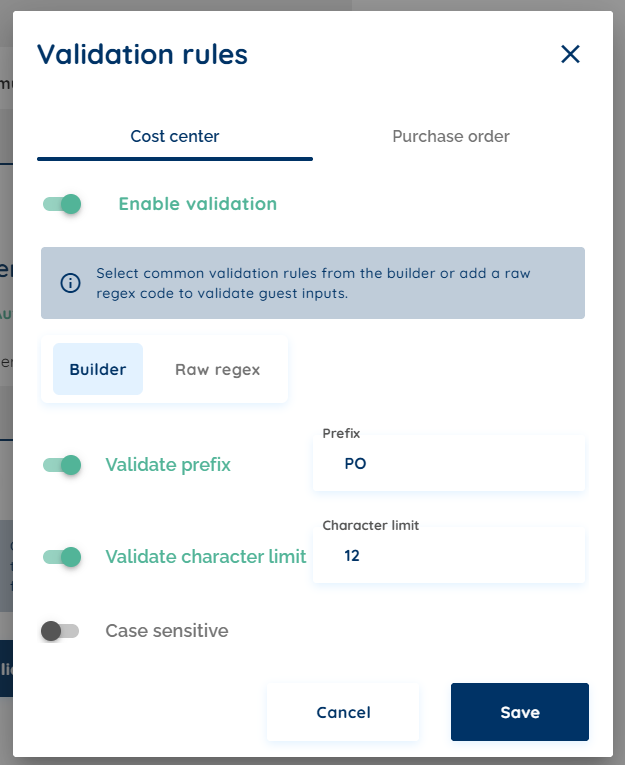
- The order carries its billing from the start. Card, invoice, or house account on net terms. Where the client bills by PO number or cost center, the code goes on the order and is checked at checkout against a rule the operator sets; an order whose code does not match cannot be submitted.
- The operator reviews and accepts it. A client’s change request and an operator’s edit, right up to delivery, both update the order itself, with the client notified automatically. The order stays the one record.
- The invoice generates when the order is marked complete, so it matches what was delivered. At completion, a card client is charged and every other account gets an invoice; if a card charge fails, an invoice goes out automatically. Where the client’s finance team reserves its own block of invoice numbers, invoices can be issued from that block.
- It goes out with nobody retyping it, with a due date and automatic reminders. Invoices billed to a PO or cost center are accounting documents: they go into the client’s finance process, and the employee who placed the order never receives one.
- The payment is recorded once, applied to the invoice in one place.
- The receivable posts to the operator’s accounting system, coded to the operator’s own categories, the site, and the client’s cost center and PO, with credits and refunds posting back the same way the original charge did. Where a system has no direct connection, a receivables file is generated for the finance team to import. The ledger and the chart of accounts stay with finance, and the integration review with the finance team settles how deposits, credits, subsidies, and failed postings are treated.
- The two sides are checked against each other. On a direct connection, a report shows what was billed against what reached the ledger, so a gap shows up as a line to fix, with anything unmatched going to a named owner in finance.
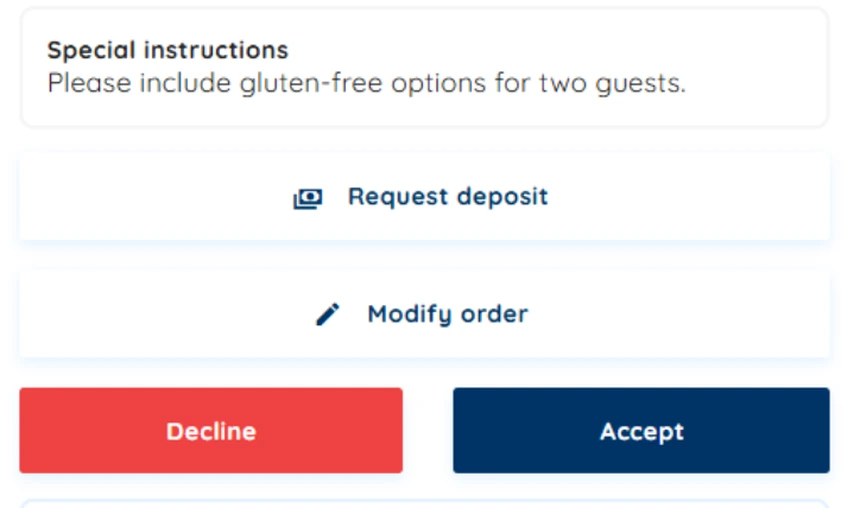
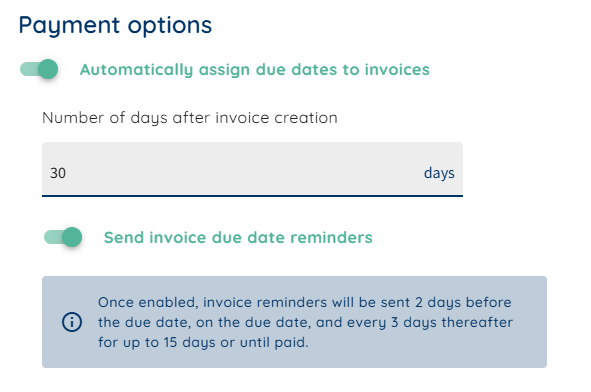
The result is catering receivables that reconcile into the finance system the operator already runs. That is what Rally Catering is built to do, and how those connections get built is on the approach page.
The three reports that run the money
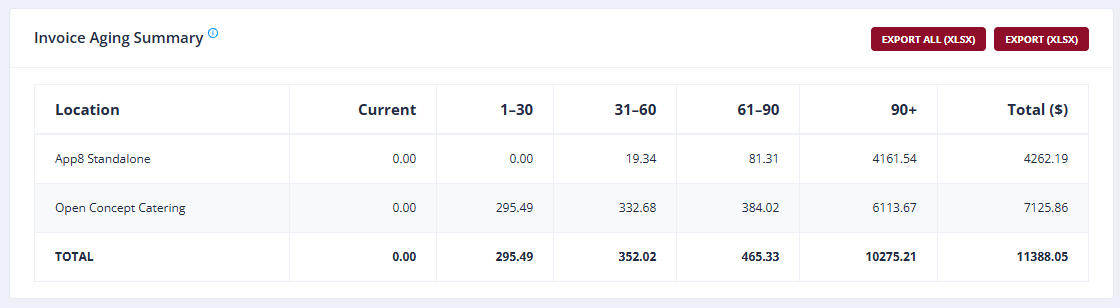
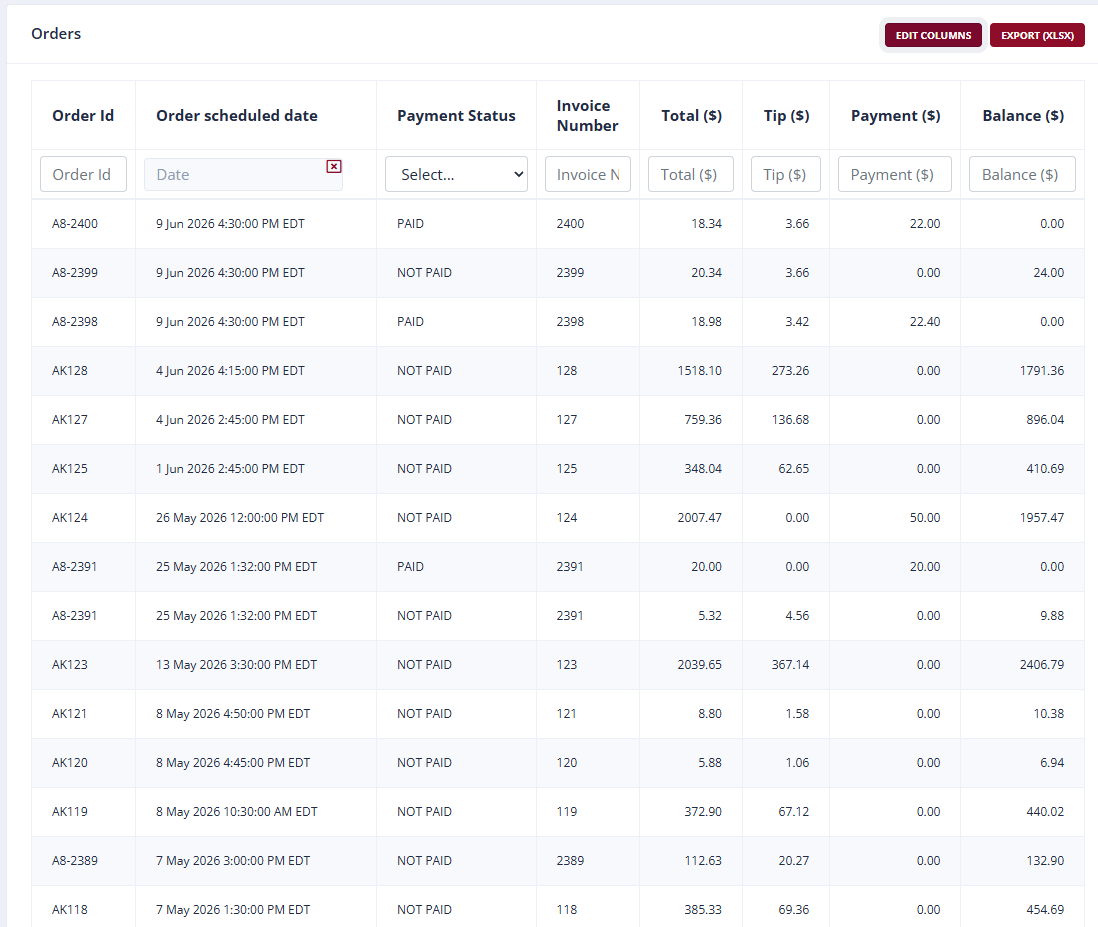
Once the path above exists, finance runs the catering program on three views: revenue (what was earned, by site and category), cash (what has actually arrived, for cash flow), and receivables (what is owed but not collected). The receivables view is the one catering-specific tool most ordering software simply does not have: an aging report, every open invoice grouped by how overdue it is, current, 30, 60, 90 plus. Collection runs on that report, and automatic reminders on the operator’s own terms handle the first pass, so following up on money owed stays a matter of fact instead of a relationship conversation.
What to demand from any vendor
If you are evaluating catering accounting software, demand these, each for a specific reason:
| Demand | Why it matters |
|---|---|
| Order changes right up to fulfillment without refunding and recharging a card | Every charge carries a processing fee, refunded charges included, and frequent refunds count against you with your card processor |
| Invoice and collection management: open invoices, their age, automatic reminders on your terms | Corporate catering is billed on terms, and a reminder that goes out on its own keeps collection out of the client relationship |
| Posting by site and by your own ledger categories, from the first site on | A connection built around one site gets rebuilt when the second one joins |
| Changes, credits, and refunds that post the same way the original charge did | A connection that only handles the clean order leaves finance fixing the rest by hand |
| Deposits kept apart from earned revenue | Catering revenue is generally recognized at fulfillment |
| The client’s codes and your invoice numbers | The PO or cost center is checked at order time, and invoice numbers come from a block finance controls where it needs one |
| A report of what was billed against what reached the ledger | A gap shows up as a line to fix, before month end finds it |
| The exact record format your ledger expects | The right data in the wrong layout still gets re-keyed |
| Every integration graded as live today, an enhancement to be scoped, or one-time integration work | A flat yes on everything is a risk nobody has examined |
And one question almost nobody asks: when a posting fails, who is told, and how does the missing day get resent? App8 monitors its integration jobs and handles a failed push or pull as part of the service, and any vendor you evaluate should be able to answer the same question specifically.
The systems this connects to
JD Edwards is the accounting system App8 names publicly. Beyond accounting, the named integrations show how deep the connections go: FreedomPay for payments, GiveX for gift cards and loyalty, Punchh for loyalty, PAR PixelPoint and Clover Sport on the point-of-sale side, and Catch. App8 does not publish a connector list; its enablement team builds the connection each environment needs, across payments, ERP and receivables, identity and single sign-on, data and reporting, point of sale, and inventory and recipe management, and connects to other systems on request, scoped to what the operation needs. Where no direct connection exists, the finance team imports a file the platform generates, so the ledger never waits on a project.
How the money moves in a B&I account
In a B&I (business and industry) account, also called workplace dining, the operator runs dining at a client company’s site: the client company pays for catering, and its employees place the orders (the full industry picture, contracts included, is in our contract foodservice explainer). An employee orders for a meeting, billed to their department by cost center or PO. The operator invoices the client company, whose finance team charges the cost back to the department using the code on the invoice.
That chargeback works only when the code is right, which is why the code is the capability to lead with: a wrong or missing code means the invoice waits while someone chases the person who ordered. Checking the code at checkout, against the client’s real structure, removes that class of billing error at the source.
Who runs this way
Compass Group runs digital catering on App8, with invoicing and accounts receivable integrated into the systems their finance team already uses.
“From set up to go live, the system is simple, and the support is next level.” Giovanni Rinaldi, Compass Group
More verified, attributed outcomes are on the case studies page.
Start with your own count
Before any evaluation, run the Playbook’s two-week count: the invoices typed in from orders, and the ones that needed a correction. Those two numbers are your reconciliation problem, measured, and they make every vendor conversation concrete. The Catering Operations Playbook covers the full order-to-cash job alongside the other three; it is free, with no sign-up. The catering scorecard places your whole program in 90 seconds, and if you are writing the technology section of a bid, the RFP technology checklist covers the procurement end.
Frequently asked questions
What is catering accounting software?
Catering accounting software is the part of a catering platform that turns a completed order into an invoice and a ledger entry without anyone retyping it: invoices generated from the order, payments applied in one place, automatic reminders on the operator's terms, an aging view of what is owed, and receivables that post into the accounting system the operator already runs.
Why can't regular online ordering software handle catering accounting?
Because catering breaks its assumptions. An online order is paid by card and fulfilled the same day, so there is nothing to invoice and nothing to collect. A catering order is placed in advance, changes often before delivery, is frequently billed to a company on terms rather than paid by card, and is not earned revenue until it is fulfilled. That means invoices, receivables, collection, and an aging report, none of which a same-day ordering tool carries.
What is an aging report?
An aging report is a view of every unpaid invoice grouped by how overdue it is, typically current, 30, 60, and 90 plus days. It is the report collection runs on: it shows which accounts to follow up with before the amounts get old, and it surfaces patterns a single invoice hides, like a weekly account quietly falling behind.
When is catering revenue actually earned?
Revenue on a catering order is generally recognized when the order is fulfilled, not when it is placed or paid. Money collected before fulfillment usually sits as a prepayment, and a deposit is matched to the final invoice; how a non-refundable deposit is treated is the operator's own accounting call. This is a description of common practice, not accounting advice: your accountant sets your policy.
Which accounting systems does App8 integrate with?
JD Edwards is the accounting system App8 names publicly. App8 does not publish a list of connectors: its enablement team builds the connection each client's environment needs, and where a system has no direct connection, App8 generates a receivables file the finance team imports. During each ERP integration, App8 reviews with the operator's finance team how deposits, credits, subsidies, and failed postings are treated.