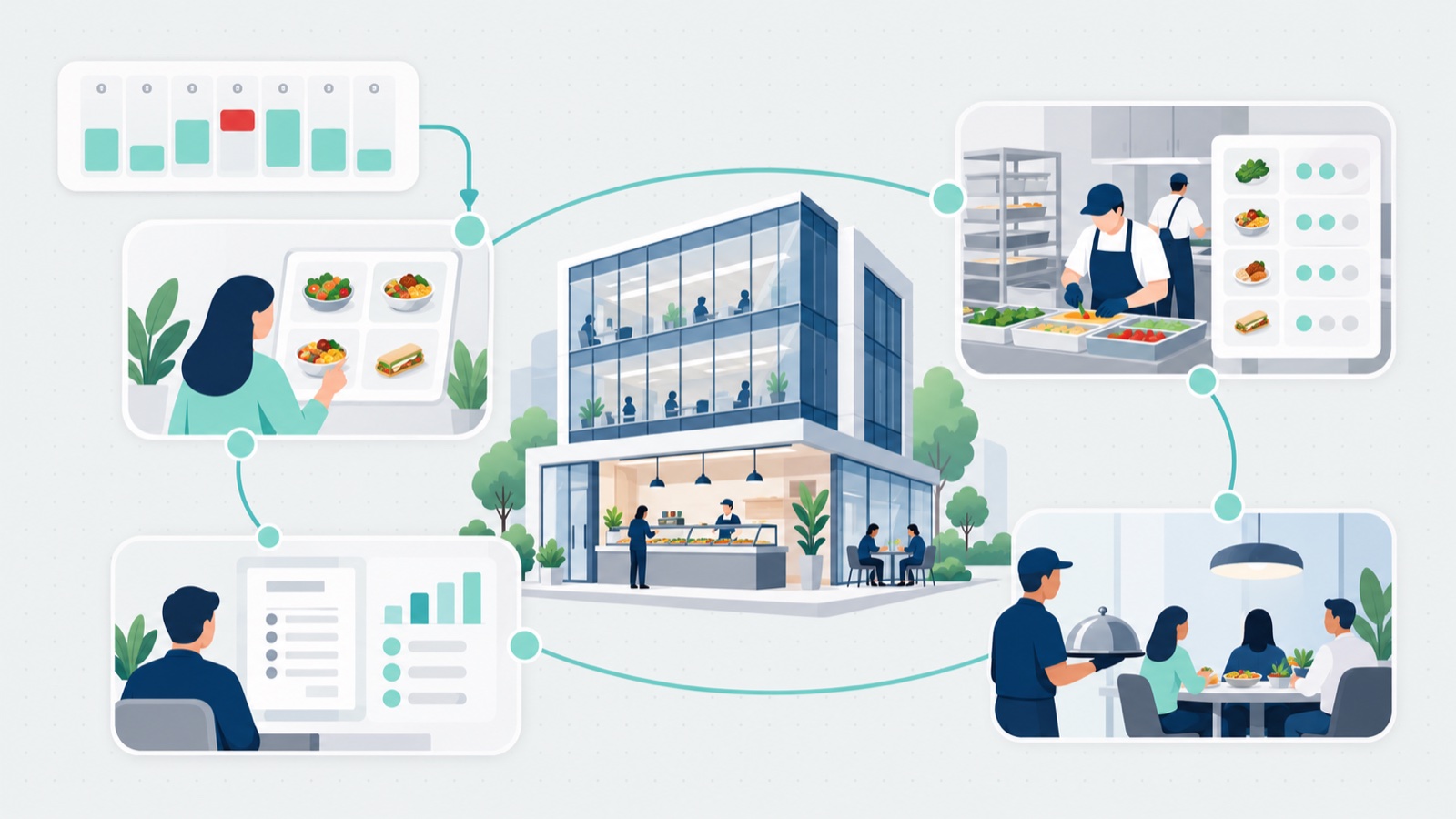

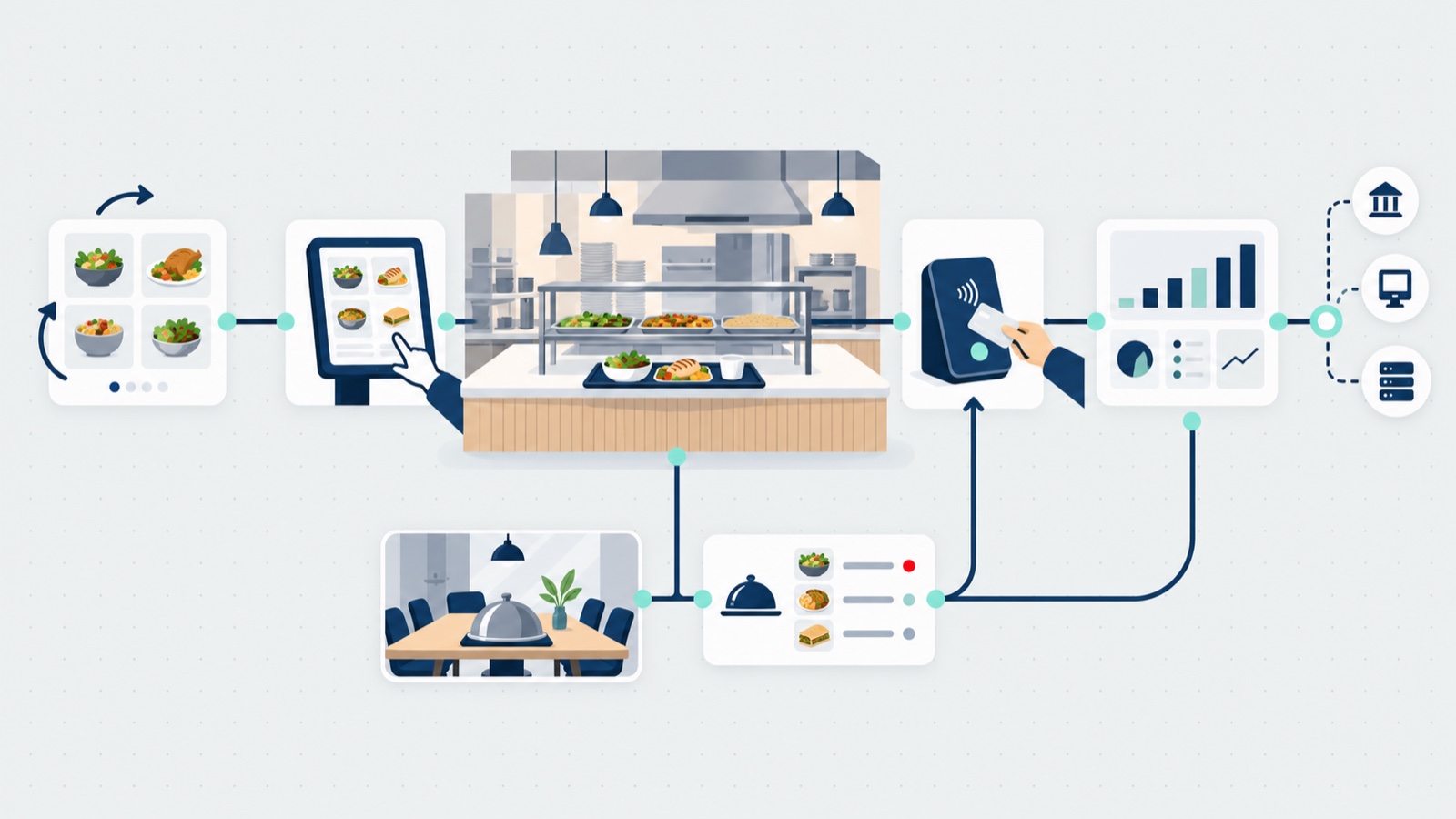
Cafeteria management software gets bought for the menu screens and earns its keep at 12:04 on a Tuesday, when every station has a line and the grill is nine orders deep. A workplace cafeteria needs menus for each station, ordering now or for a later time, pickup, payment and reporting; all of that is table stakes. App8’s view, from running ordering in workplace cafeterias with Rally Eats: the lunch rush decides whether digital ordering works.
Letting everyone order is good for revenue, but only if the stations can keep up. This post covers what the software has to run day to day, the field of vendors and what each covers, how the cafeteria connects to the catering program next to it, and the mistakes we see operators make when they pick. It sits beside our wider look at corporate dining, where the cafeteria is one piece of the host employer’s program.
TL;DR
- Day to day: station menus, ordering from wherever employees already are, ordering without an account, and menus copied across sites instead of rebuilt.
- The lunch rush: lead times by station, order throttling that defers instead of refusing, a text when the order is ready, and lockers where sites use them.
- The field: cafeteria software is a stack, and vendors cover different parts. Each described in its own words, with a which-vendor-for-which-job table.
- One system beside catering: one kitchen often feeds the cafeteria and the meetings upstairs, and two systems mean double setup and double reconciling.
- The mistakes: no plan for the rush, guests standing in line anyway, visitors locked out, menus rebuilt site by site, and pricing that grows faster than the program.
What a corporate cafeteria needs from software day to day
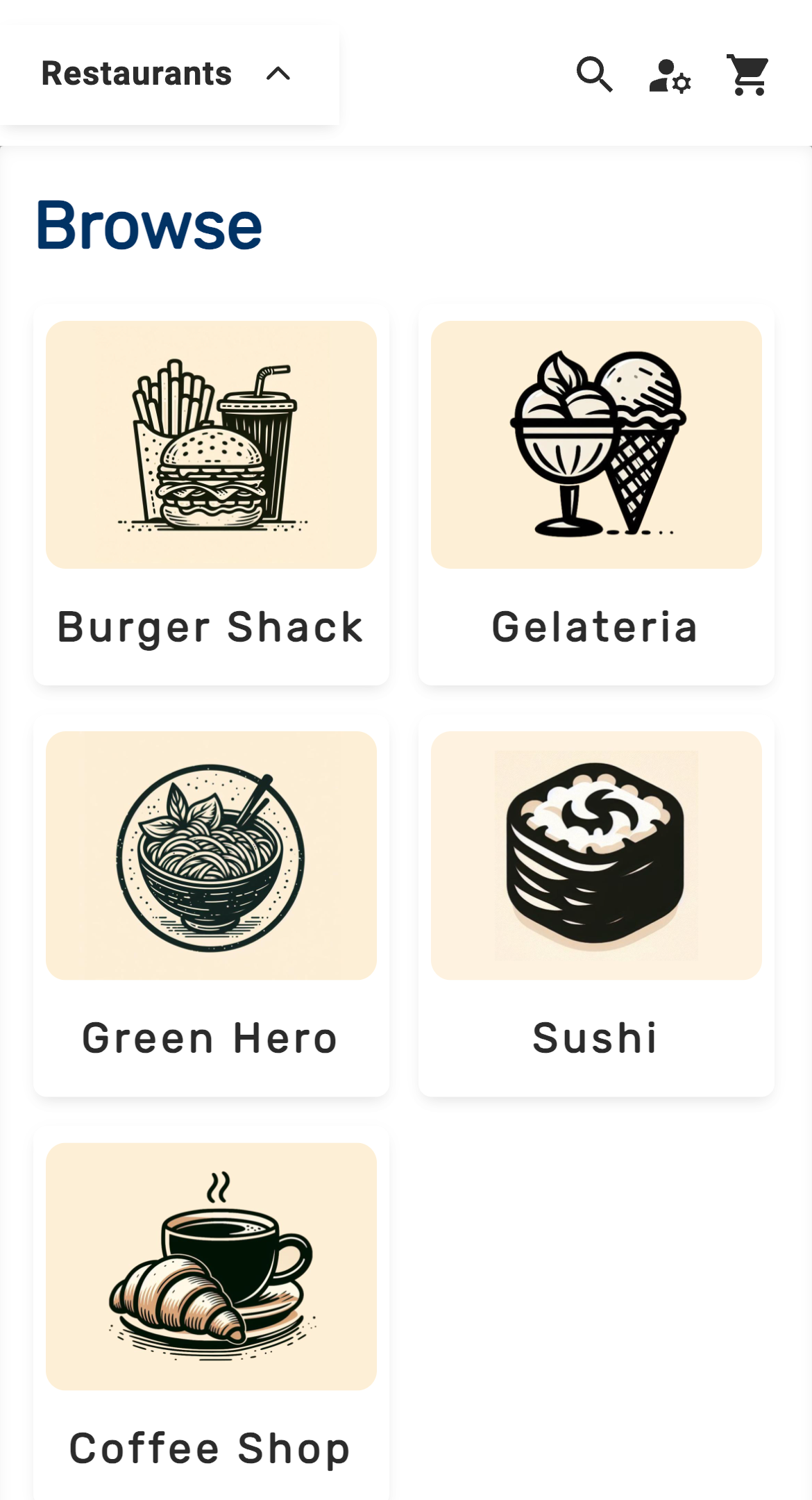
Menus, by station. A corporate cafeteria often has several stations, each with its own menu: the grill, the salad bar, the sushi counter, the coffee shop. In Rally Eats the guest picks the station first, then orders.
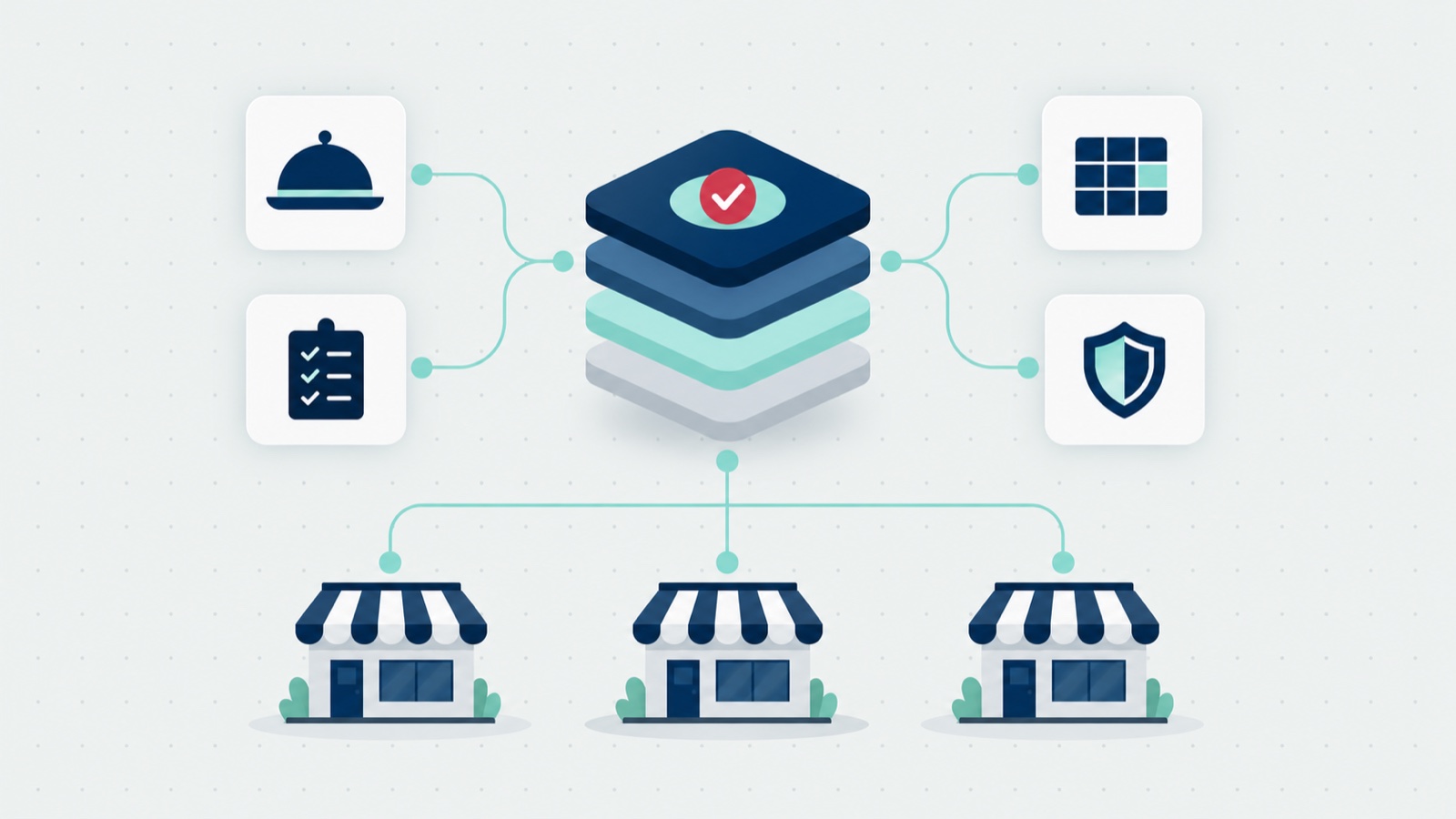
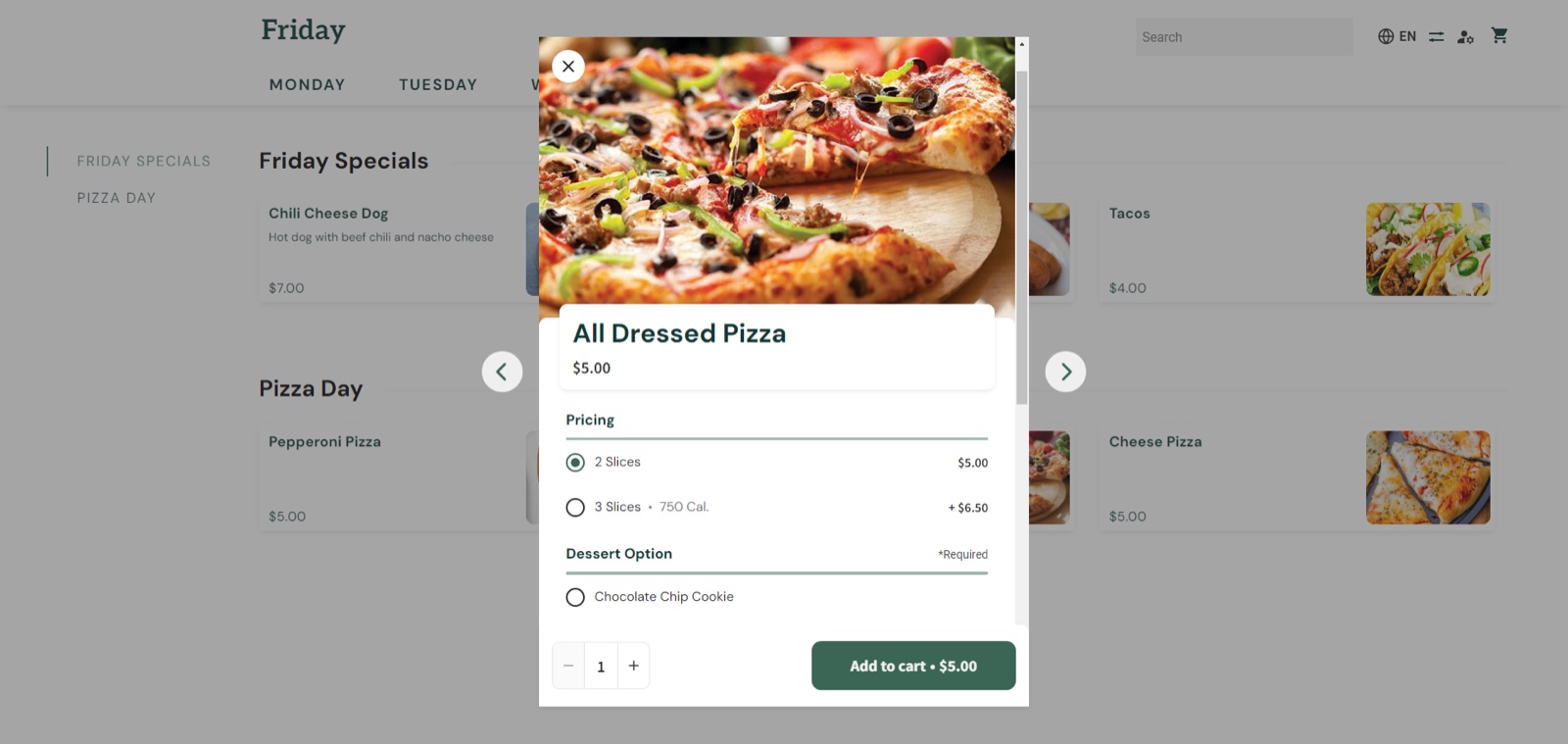
For an operator running many sites, a menu set up once can be copied to other locations with its pricing, options and accounting categories, instead of being rebuilt and checked site by site. App8’s view: that’s one of the biggest time savers for a multi-site program.
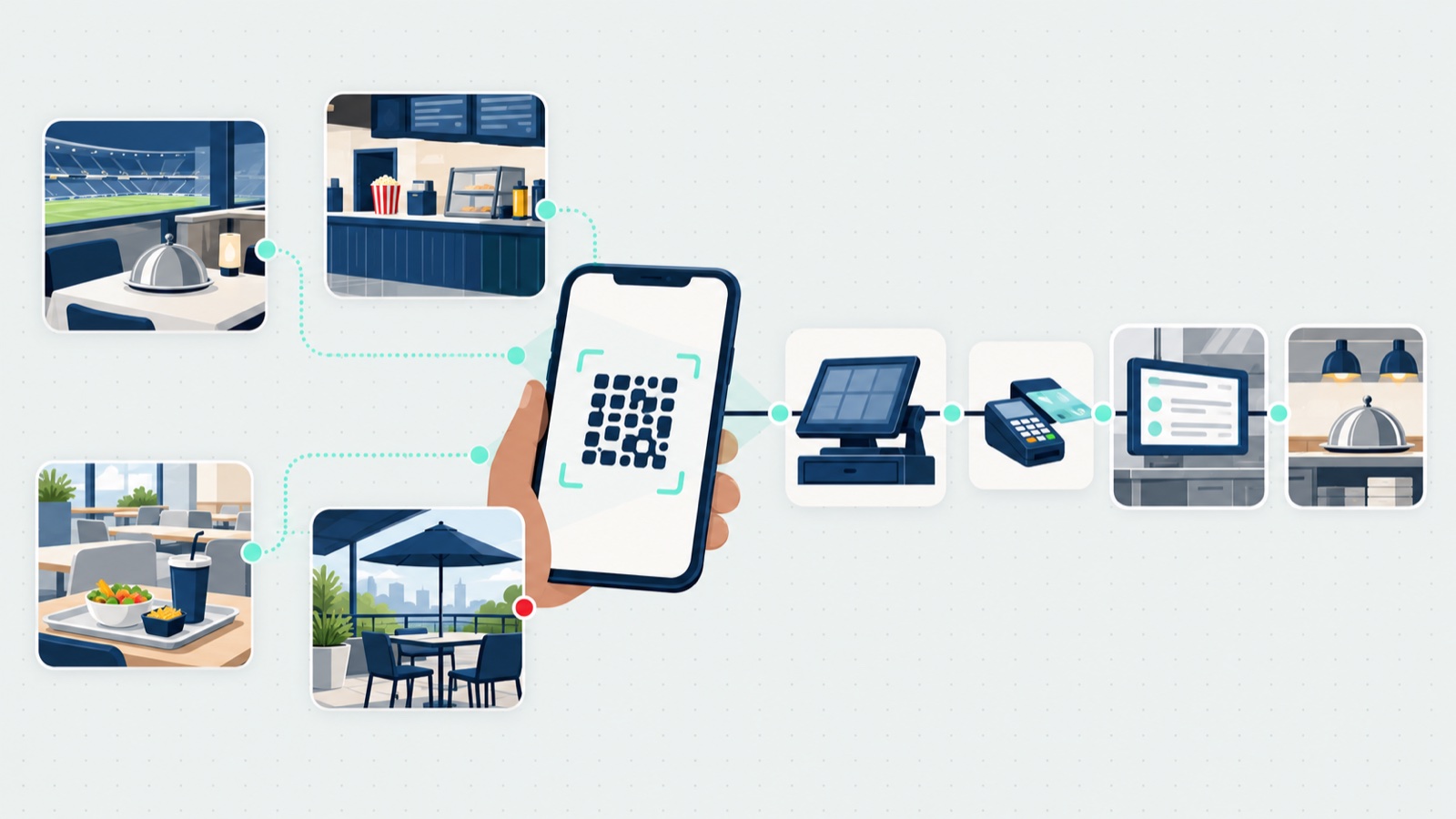
Ordering, from wherever employees already are. Guests order now or for a later time, and the way in can be whatever the building already has: a button in an app the client company runs, or on its website; a link in an email; a QR code on signs and posters. The QR route has its own discipline, covered in our QR code ordering post. An operator can also let guests order without creating an account, which matters where the cafeteria is open to visitors as well as staff.
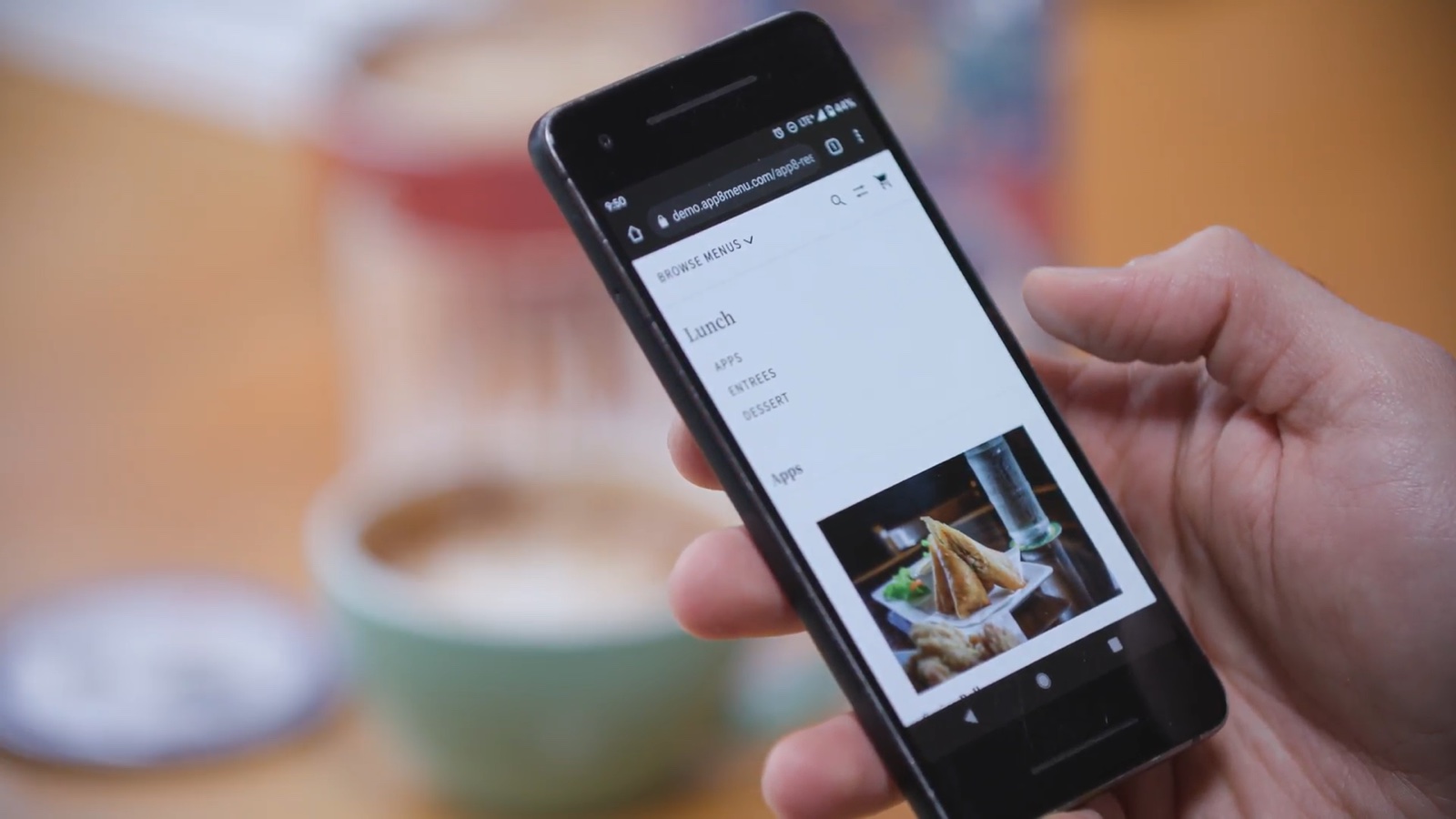
Payments. Card, Apple Pay and Google Pay, in the phone’s browser with no app to download. App8 is certified to PCI DSS Level 1, and the payment providers App8 uses are PCI certified; the security page covers the rest. Some cafeteria vendors offer badge pay; Mashgin’s cafeteria page lists it.
Reporting. Unit and regional managers can see reporting and update menus as they go, under the access each one is given.
And the context those day-to-day features now operate in: office attendance is up, cafeteria use isn’t keeping pace. ezCater’s 2026 Workplace Cafeteria Report, a vendor’s survey of 600 cafeteria decision-makers and 1,000 employees, found, as FoodService Director reported in March 2026, that “while office attendance is rising, employees’ use of corporate cafeterias is not”, and that “more than half of organizations have already cut back on café operating hours”. DoorDash’s 2026 Meal Impact Report, another vendor’s survey, reported by Facilities Dive in August 2026, found 54% of the 1,019 workplace leaders surveyed say meal program expectations and costs have risen. A cafeteria fighting for the lunches that are still in the building has less room than ever for a clumsy ordering experience.
The lunch rush is the real test
This is where the operator’s settings matter most, and where App8’s view is simplest: the point is to keep the revenue that a rush brings without ruining the experience. If too many orders land on one station at once, they’re placed but not ready, and the guests who waited won’t order again.
- Lead time by station. Some food takes longer, so each station can require more notice. The sushi counter and the grill shouldn’t share a clock.
- Order throttling. The operator caps how many orders a station takes in each time window; a fast station might take 10 orders every five minutes. When a window is full, Rally Eats grays out that time and moves the guest to the next open time, instead of turning the order away. The guest still has their cart and pays; they just know up front when it will be ready. Nothing about the rush is refused, it is paced.
- A text when it’s ready. Staff mark the order complete on the station’s tablet, and the guest gets a text that it’s ready for pickup. The guest doesn’t need to hover at the counter; they sit down until their phone buzzes.
- Food lockers. Where a site uses lockers, the guest’s text carries a QR code that opens their locker. App8’s view: we see lockers more in education than in workplace cafeterias. Grounded Kitchen in Ottawa is an App8 customer that uses food lockers with us; its published result, from digital ordering at one full-service restaurant, is a 33% cut in the staffing its full-service operations needed at the site. That is a single-site, full-service restaurant figure, not a cafeteria number, which is why it sits here with its label and not in a results section.
On results generally, the honest line: App8 doesn’t yet have a workplace cafeteria result it can publish, and this post won’t borrow venue or catering numbers to fake one. When there is one, it will carry its label like every figure on this blog.
Cafeteria management system or stack: the field in 2026
A corporate cafeteria shopping for a “cafeteria management system” is usually shopping for several things at once, and vendors cover different parts. In their own words:
| Part of the stack | Example vendors, in their own words |
|---|---|
| Menus, signage, labels and ordering | Nutrislice: “Digital menus, signage, food labels, and ordering” |
| Self-checkout, micro markets and employee dining | 365 Retail Markets: “conveniently smart, self-service retail”, with 365 Dining for employee dining |
| Food, nutrition, mobile ordering and payments | Illumia (CBORD and Transact, under one name since March 2026), which “simplifies corporate dining with self-service, mobile ordering, and cashless payments” |
| Workplace food programs | Fooda: “A workplace food program to love and look forward to” |
| Checkout and kitchen | Mashgin: “Ordering, kitchen, payments, loyalty, and the fastest checkout on the planet, running as one system from one login” |
Which vendor for which job, then, stated as fit rather than ranking, because these products do different jobs and grading them against each other would compare a menu board to a checkout lane:
| If the job is | Start the evaluation with |
|---|---|
| Digital menus, signage and food labels | Nutrislice |
| Self-checkout, micro markets and unattended retail | 365 Retail Markets |
| Card programs and cashless payments across dining | Illumia |
| A managed workplace food program, vendors included | Fooda |
| Checkout speed with ordering and kitchen in one system | Mashgin |
| Station ordering, rush throttling and pickup, beside a catering program | App8’s Rally Eats |
Where Rally Eats sits in that stack: the cafeteria’s ordering, pickup and online payment, by station, with the rush controls above. App8 doesn’t run the cafe’s in-person checkout, the register, or kiosks, so an operator keeps or picks its checkout vendor separately. How an ordering layer sits among the operator’s systems generally, point of sale (POS) included, is mapped in the food service management buyer’s guide; school and campus cafeterias are a different program with different rules, covered in our school post.
How the cafeteria connects to catering in the same account
In many workplaces the cafeteria sits next to a catering program for the same client company, often fed by the same kitchen. Rally Catering and Rally Eats run on the same system, and the guest uses one login for both. For the operator:
- Separate where it should be. Catering and cafeteria ordering work differently, so each keeps its own workflow and settings.
- One portal, or two. Catering and cafeteria orders can be managed in the same administrator’s portal, or separately by the operators on the ground. Production and fulfillment sheets can be printed or exported for both together or for each on its own.
- Access by role. A unit manager or a regional manager can get an admin view to run operations, see reporting and update menus, without seeing more than their role allows.
- One menu setup. A menu set up once can be copied to other locations, with its pricing, options and accounting categories.
Why it matters. App8’s view: in many workplaces, one kitchen feeds both the cafeteria and the meetings upstairs. When the two run in separate systems, the kitchen works from two order lists, the menus get set up twice, and the operator reconciles two sets of numbers.
On one system, a central kitchen can print one production sheet for both. We found no independent research on running cafeteria and catering in one system, so take that for what it is: our view, from the programs we run. The catering side of that same account, and why its orders behave differently, is the subject of what a catering management system has to do.
The mistakes operators make when picking cafeteria software
App8’s view, from what we’ve seen, in rough order of damage:
- No plan for the rush. Phone ordering lets everyone order at noon. Without limits by station, orders pile up and guests wait anyway. Ask every vendor how it paces orders at peak times.
- Guests still stand in line. If there’s no ready notice, people hover at the counter. A text when the order is complete lets guests sit down until it’s ready.
- Closing the door on visitors. Requiring an account loses sales where the cafeteria is open to the public.
- Rebuilding menus at every site. A multi-site operator should be able to set up a vetted menu once and copy it to other sites, with pricing, options and accounting categories intact.
- Two systems for one kitchen. Separate cafeteria and catering systems mean double setup and double reconciling.
- Pricing that grows faster than the program. Fees per user, per menu or per order can make the cost grow faster than the program. Ask how pricing changes as sites and users are added.
The published buyer’s guides land on similar ground. Fooda, which sells workplace dining, published two; cite them as a vendor’s advice, which is what they are. Its cafeteria point-of-sale guide (December 2025) says “Don’t settle for a simple presentation” and advises a hands-on demo, counting implementation and equipment costs, and reviewing integrations with in-house experts. Its corporate cafeteria RFP guide (January 2026) warns that without standardized financial questions “you can’t compare vendor proposals accurately”, and without defined metrics “you’ll have no baseline to measure success.”
That last warning is the one to keep. Decide what the cafeteria program is supposed to do, pick the metrics before the vendor, and make every demo answer the lunch-rush question first: what happens at this station at 12:04, when the eleventh order lands in a five-minute window built for ten?
Frequently asked questions
What is cafeteria management software?
Cafeteria management software runs a workplace cafeteria's ordering and the operations behind it: menus for each station, ordering now or for a later time, pickup, payment and reporting. In practice it is a stack rather than one product, with vendors covering different parts, from menus and signage to self-checkout to ordering platforms. App8's Rally Eats runs the cafeteria's ordering, pickup and online payment; App8 doesn't run the cafe's in-person checkout, the register, or kiosks.
How does order throttling work in a cafeteria?
The operator caps how many orders a station takes in each time window, for example 10 orders every five minutes at a fast station. In Rally Eats, when a window is full the time is grayed out and the guest is moved to the next open time instead of being turned away. The guest keeps their cart and pays, and knows up front when the order will be ready. The point is to keep the revenue a lunch rush brings without piling orders onto a station faster than it can cook.
Do guests need an account to order from a workplace cafeteria?
Not necessarily. In Rally Eats an operator can let guests order without creating an account, which matters where the cafeteria is open to visitors as well as staff. Requiring an account at an open cafeteria is a quiet way to lose sales.
Does cafeteria software replace the register or the point of sale?
Not in App8's case. Rally Eats runs ordering, pickup and online payment; App8 doesn't run the cafe's in-person checkout, the register, or kiosks. Other vendors cover that part of the stack: 365 Retail Markets describes self-service retail and employee dining, and Mashgin describes ordering, kitchen, payments and checkout as one system. Describe the stack you run, then pick vendors for the parts.
Can the cafeteria and the catering program run on one system?
On App8's platform, yes. Rally Catering and Rally Eats run on the same system: a guest uses one login for both, each side keeps its own workflow and settings, orders can be managed in one administrator's portal or separately, and production and fulfillment sheets print or export for both together or each on its own. In App8's view, that matters because in many workplaces one kitchen feeds both the cafeteria and the meetings upstairs.
Does Rally Eats support badge pay or payroll deduction?
Rally Eats takes payment by card, Apple Pay and Google Pay, in the phone's browser with no app to download, and App8 is certified to PCI DSS Level 1. Some cafeteria vendors list badge pay; Mashgin's cafeteria page does. If badge pay or payroll deduction is a requirement, that belongs on your vendor-question list.